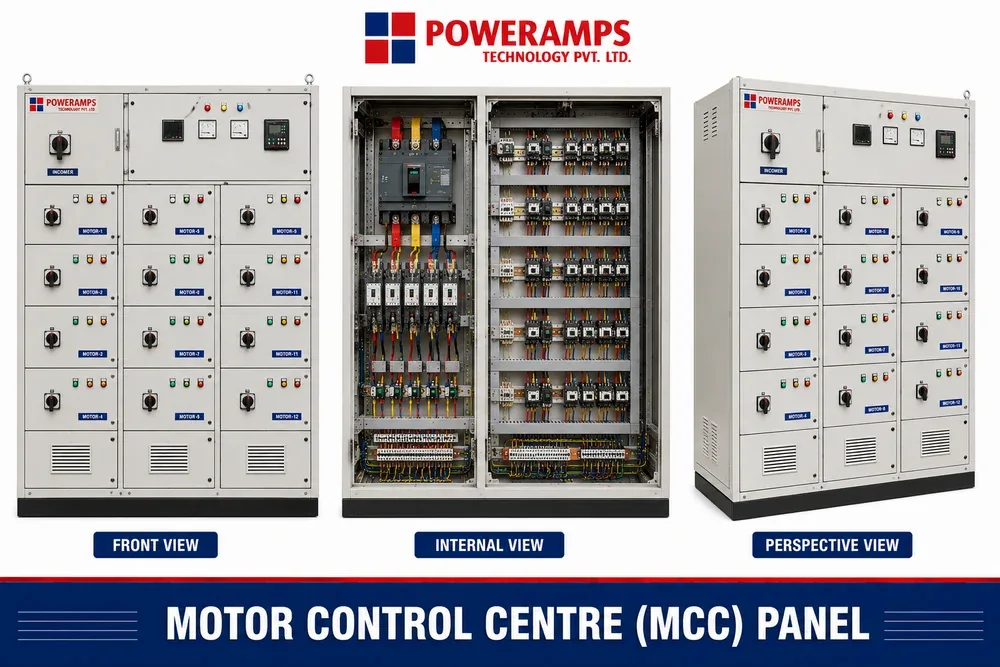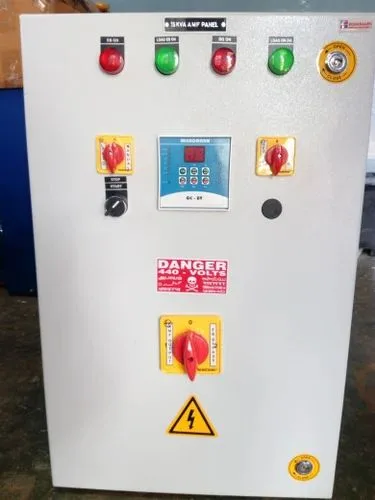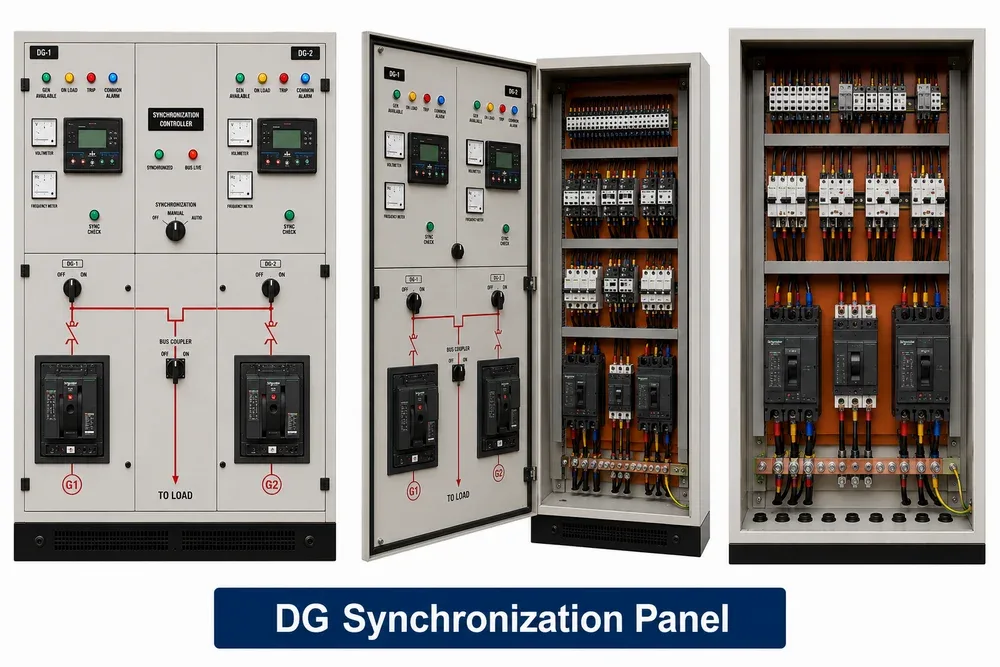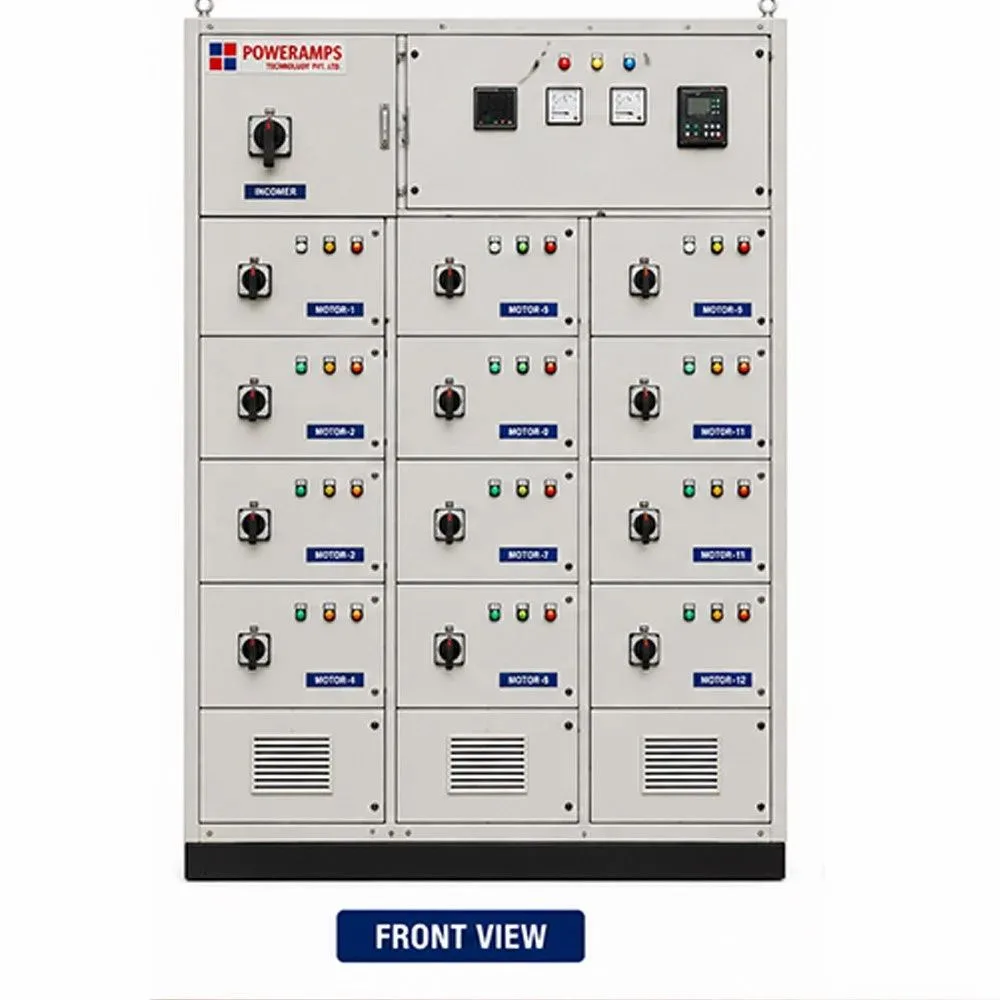
Buying an electrical panel usually starts with a long email thread: a motor list, a few calls to clarify the supply, a revised BOQ, and a quotation a week later. Our online electric panel builder shortens that. You describe the panel the way an engineer would, see the ratings as you go, and send one clear request.
This guide walks through each step so you know what to have ready.
Before you start
Keep these to hand. Rough figures are fine; our engineers will confirm the details.
- What the panel will do: run motors, control a pump station or STP, change over to a generator, distribute power, run fire pumps.
- Supply: the system voltage (most Indian industrial sites are 415 V, three phase, 50 Hz) and the source (grid only, grid plus DG, DG only, or grid plus solar).
- Loads: for motor panels, each motor’s rating in HP or kW and how many; for generator panels, the DG rating in kVA.
- Any drawings: a single-line diagram (SLD), consultant’s BOQ or specification. You can mention it in the project step.
Step 1: Choose what the panel is for
Pick the application closest to your job: Motor control, Water & wastewater, Automation, Generator backup, Fire fighting or Power distribution. If nothing fits, choose Something else / not sure and describe it in your own words.
The application sets sensible defaults for the steps that follow. A fire-fighting panel asks about main, standby and jockey pumps, while a generator panel asks about the DG.
Step 2: Power supply
Select the system voltage (415 V or 440 V three phase, 230 V single phase, or other) and where the power comes from. If there is a DG, the builder can include the changeover arrangement.
Step 3: Add your loads
For motor panels, list each motor with its rating, quantity and whether it is duty or standby. The builder suggests a starter for each one:
| Motor size | Suggested starter |
|---|---|
| Up to 7.5 HP | Direct-on-line (DOL) |
| Above 7.5 HP up to 50 HP | Star-delta |
| Above 50 HP | Soft starter |
| Speed control needed | VFD (variable frequency drive) |
You can override any suggestion. For example, choose a VFD for a pump that must hold a set pressure, or a soft starter where you want to avoid water hammer. The builder shows the approximate full-load current of every motor as you go.
Step 4: Choose every component
This is where the builder differs from a simple enquiry form. You choose, section by section:
- Control & automation: manual push buttons, automatic (level, pressure or timer based) or PLC with HMI touch screen, plus the PLC, HMI and drive make.
- Switchgear: main incomer type, breaker and contactor make, incomer poles, breaker release and motor overload protection.
- Busbar: copper or aluminium, and the finish.
- Metering & protection: meters and their make, current transformers and the protection relays you need.
- Indication & operation, enclosure, accessories, and the testing and documents you want with the panel.
If you have no preference for a make, leave it as suggested and we will propose a suitable one in the quotation.
Step 5: Project details
Name the project, add the site location, quantity, when you need it, and what the configuration is based on (for example, a consultant’s drawing). Use the notes field for anything unusual: space limits, cable entry from the top, an existing panel to match.
Step 6: Review and send
The review page shows the complete panel: loads, starters, ratings and every component you chose. Confirm it and send the enquiry. You can save several panels in your account and send them together to get one quotation for the whole job.
What happens next
Our engineers in Bengaluru check the configuration, flag anything that needs changing (an undersized incomer, a missing interlock), and reply with a quotation, usually within 1–2 working days. You can follow the request in your account and place the order from there. Once ordered, the panel is built to the agreed configuration and factory tested before dispatch.
Why configure online instead of emailing a list?
- Fewer back-and-forth calls. The builder asks the questions an engineer would ask.
- A like-for-like quotation. You choose the makes, so you are comparing the panel you want, not our guess at it.
- A record of what was agreed. The configuration stays in your account for later revisions and repeat orders.
Ready to try it? Build your panel online. It takes a few minutes, and there is nothing to pay to get a quotation.